
The Trimble Intelligence Agent can answer your questions and modify flow steps directly within the App Xchange Flow Builder.
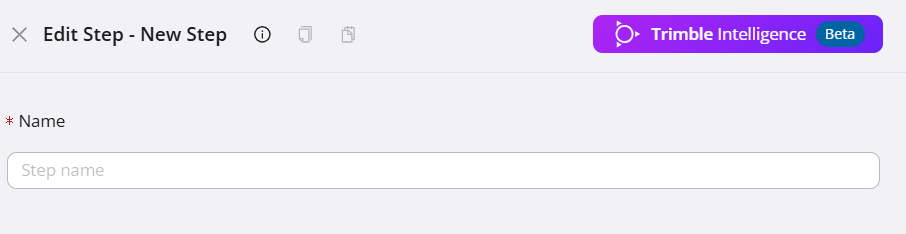
To use it, select the Trimble Intelligence (Beta) icon in the Edit Step pane of a new or existing flow step.
This beta release supports several core capabilities:
-
AI-generated triggers and JavaScript code steps based on text prompts.
-
A side-by-side change preview that displays proposed adjustments in a separate panel before they are applied.
-
Contextual refinement so you can give follow-up instructions to tweak a suggestion without re-explaining the entire goal.
-
Platform and flow Q&A to help you understand what an existing flow does.