Determine whether to export only approved timesheets
(recommended) or all timesheets.
-
In Traqspera, select .
The
Settings and
Permissions page opens.
-
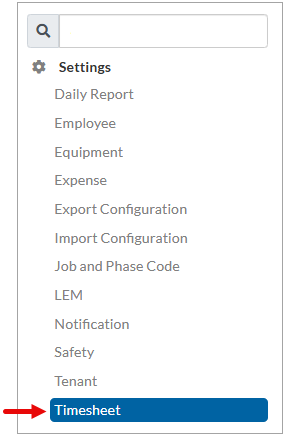
From the list of settings categories on the left
side of the page, select .
Tip: You can also
search for the setting name using the search field above the category
list.
-
In the main area of the window, and expand the
Approval Workflow
section.
-
Enable the setting Only Export Approved
Timesheets.
This setting determines whether only approved timeseheets
or all timesheets are exported to Spectrum. We
recommend enabling this setting to ensure your payroll aligns with job
costs.
-
Select Save.
