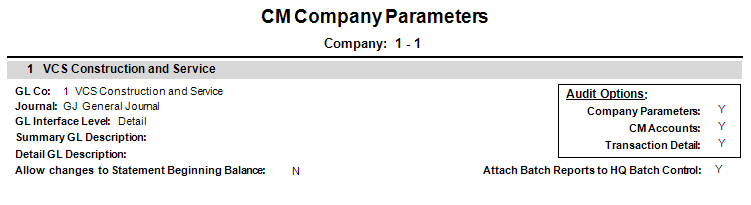
You can use the CM Company Parameters report for a list of the CM Company set-up details by selecting .
|
Report Parameters | Description |
|---|---|
|
Company |
Accept the default, or press F4 to select a company. |
|
Beginning Company |
Click the Field Lookup button or press F4 to select beginning CM Company. Leave blank to select all CM Companies. |
|
Ending Company |
Click the Field Lookup button or press F4 to select ending CM Company. Leave blank to select all CM Companies. |
|
Print Notes? |
checkbox to include notes attached to bank account. Leave unchecked to exclude notes. |