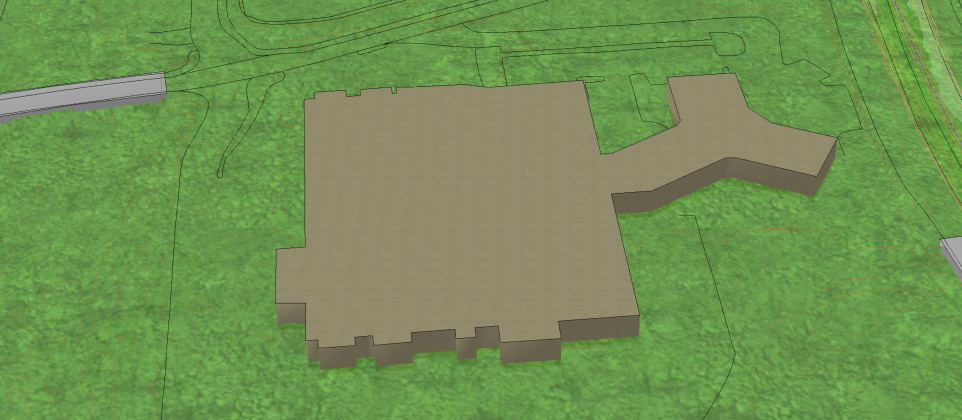
Click the button Window and then draw a rectangle/window in the model by marking the area you want to zoom in with the left mouse click. Find it here: Select View > Zoom Window on the ribbon. The model zooms in until you see only the features inside the window.