
Show Geometry macros
Not version-specific
Tekla Structures
Environment
United States (Imperial)
United States (Metric)
AVAILABLE IN: MODELING
To use these macros:
- In the model, select the items you would like to change their representation.
- Double-click the applicable macro in the Applications & components side pane.
Image
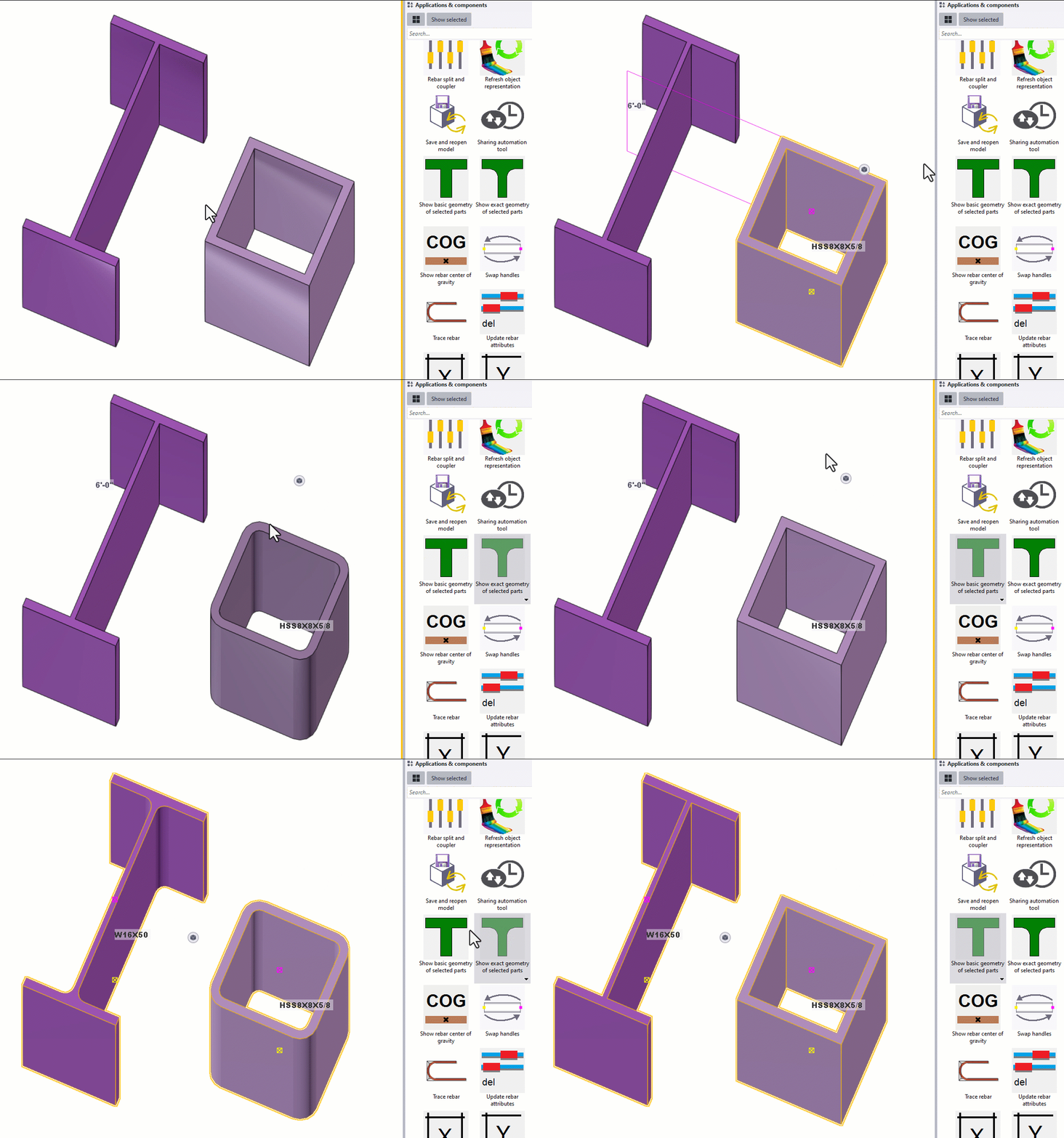
Show Basic Geometry of Selected Parts
Can be used to turn selected parts that have been turned to exact geometry back to basic.
Image

Show Exact Geometry of Selected Parts
Can be used to turn selected parts to exact geometry.
Image
