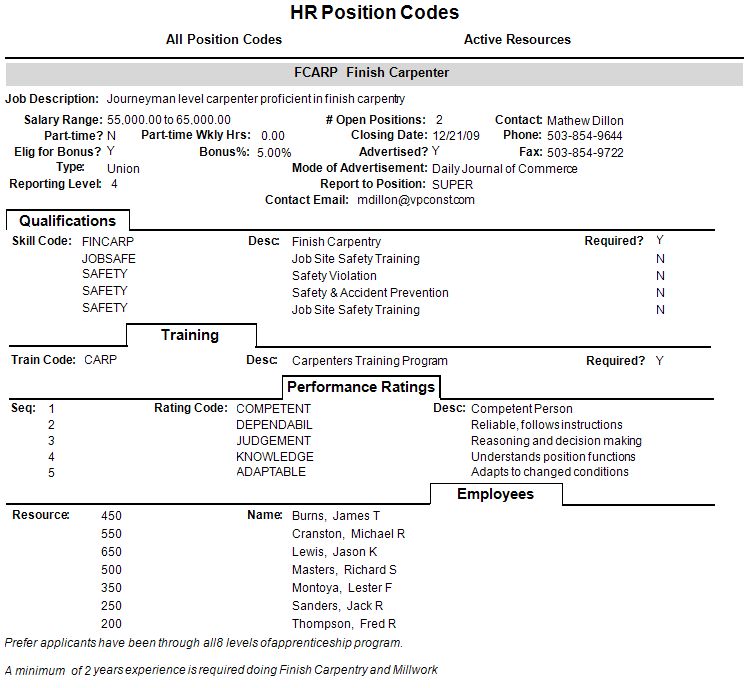
You can use the HR Position Codes report for a list of each position code showing requirements for the position, advertisement information, qualifications, performance ratings, training required and any employees that have been assigned the position code by selecting .
This report provides a list of each position code showing requirements for the position, advertisement information, qualifications, performance ratings, training required and any employees that have been assigned the position code. HRPC. The report can be restricted to only Active Employees.
|
Report Parameters |
Description |
|---|---|
|
Company |
Accept the default, or press F4 to select a company. |
|
Position Code (Blank for All) |
Click the Field Lookup button or press F4 to select the position code or leave blank for all. |
| Print Notes? |
checkbox to print notes. |
|
Active Resources Only? |
checkbox to only include active resources. |