
You can perform several different tasks while working in the 3D Viewer. Below is a reference guide which shows the icons used in the 3D View and which page you can go to learn more about it.
| Icon | Function | More information |
|---|---|---|
 | Single Object/Part Sector | Making Selections |
 | Area Selector | |
 | Assembly Selector | |
 | Hide Selection | Visibility Tools |
 | Hide Others | |
 | Show Only | |
 | Show All | |
 | Fit to View | Adjusting the 3D Model View |
 | Reset Model | |
 | Model Views | |
 | Distance Measure | Measuring |
 | Vertical/Horizontal Shortest Distance Measure | |
 | Single Point Measure | |
 | Markup | Markups |
 | Color Selector | Change Measurement and Markup Color |
 | Clip Plane | Clipping Planes |
 | Add ToDo | Create a ToDo |
 | Undo | n/a |
 | Redo | |
 | Model Transparency | Visibility Tools |
 | Ghost Mode | |
 | Orthogonal / Perspective View | Adjusting the 3D Model View |
 | Show or Hide Clashes | Working with Clashes in 3D |
 | Show/Hide Object Attachments | Object Attachments |
 | Show/Hide Grids | Model Grids |
 | Grid Selector | |
 | Show/Hide IFC Spaces | Visibility Tools |
 | Rotate Camera | Navigation and Camera Controls |
 | Pan Camera | |
 | Walk Around Camera | |
 | Look Around Camera | |
 | Enter/Exit Fullscreen Mode | Adjusting the 3D Model View |
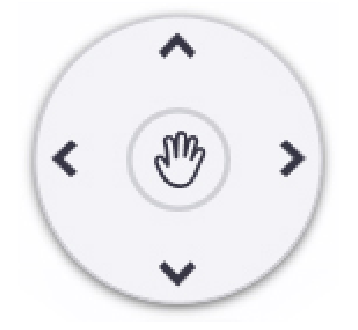 | Navigation Wheel | Navigation and Camera Controls |
 | Zoom In/Out | Adjusting the 3D Model View |
 | Models Tab | Models |
 | Objects Tab | Objects |
 | ToDos Tab | ToDos |
| Clashes Tab | Clashes |
 | Views Tab | Views |
 | Sequence Tab | Sequences |
 | Point Cloud Tab | Point Clouds |