After you have enabled the Applicant Tracking module, you will have an external careers site where applicants can search for jobs.
You can customize this site using the following options. You may
need assistance from your IT group or web design team.
Important: Trimble
Viewpoint does not provide
support or maintenance for custom HTML code or iframe embedding on your careers
page.
Customize the Site Header
-
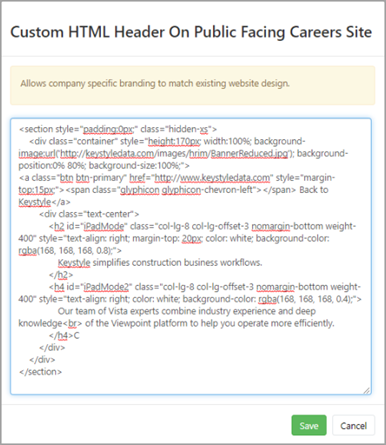
Modify the header of the job posting site by using portal setting
Custom HTML Header on Public Facing Careers Site
found under .
Set Different Logos for Your Different Companies
-
If you have job requisitions for more than one
company, you can set up a unique standard company logo for each company in
Vista. For details, see Set Up a Standard Company Logo.
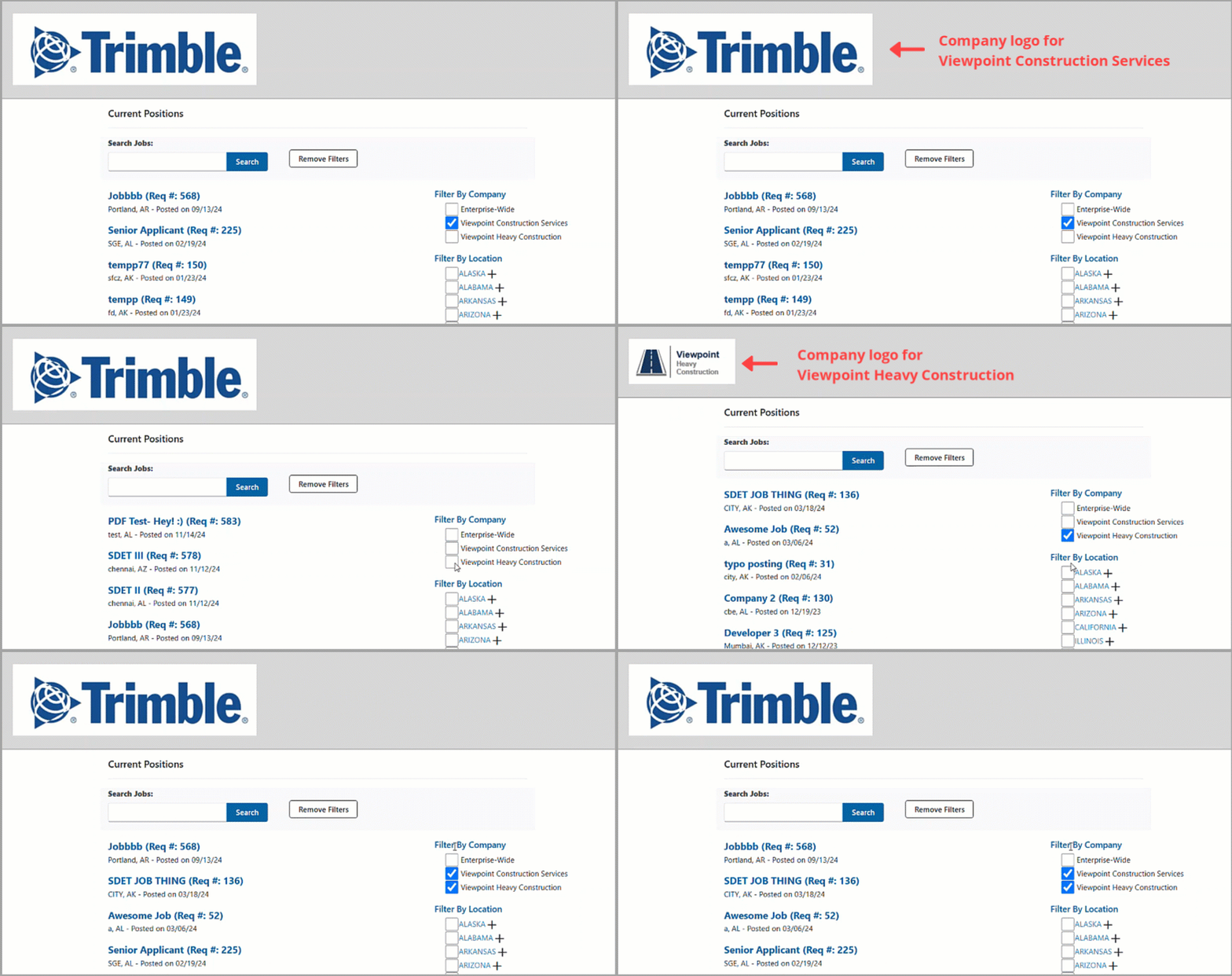
The company logo will change depending on the company you select in the filter: